
Liquid Wand
Adds water or lava along a connected surface: blocks like the clicked one, or the whole surface.

The item's tooltip in game
- Right-click: Place the liquid in front of the surface
- Left-click: Turn the surface into the liquid
- Sneak + scroll or sneak + right-click: Liquid
- Sneak + F: Matching
- Item
- Iron Shovel
- Get it
/wands liquid- Permission
wands.use.liquid
Gestures
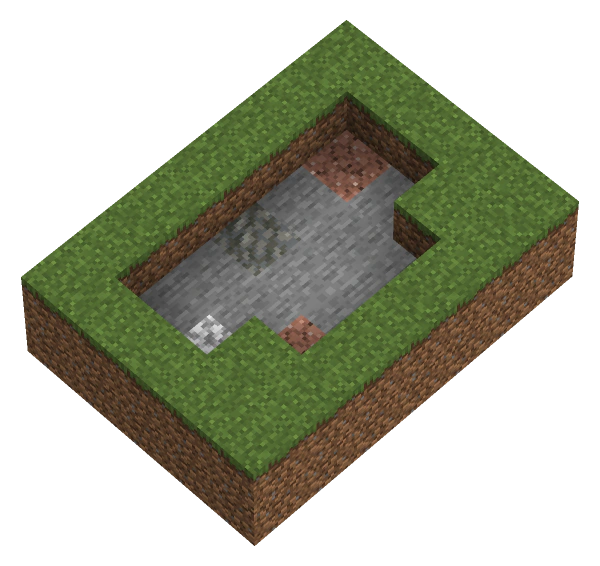
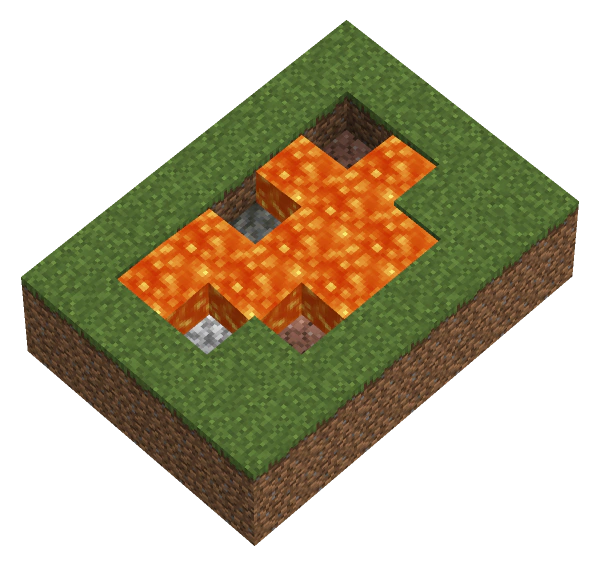
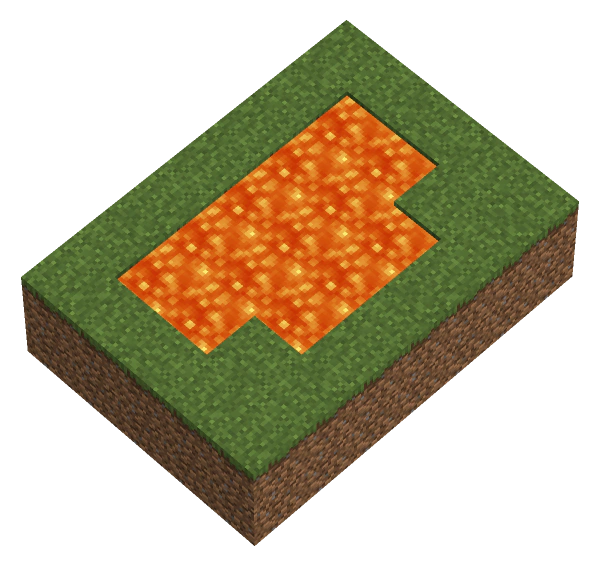
| Right-click a block | Puts a liquid source in front of each block of the clicked surface. Fills only air, water or lava. |
|---|---|
| Left-click a block | Turns the surface blocks themselves into liquid. It does not remove liquid. |
| Sneak + scroll or right-click in the air | Liquid: water (default) or lava. |
| Sneak + F | Matching: same block (default) or whole surface. Same block takes only blocks exactly like the clicked one; whole surface takes every block of the patch around the click, whatever it is made of. |

Limits
- A click changes a limited number of blocks, only up to 4 blocks away on each axis.
- The liquid flows after it is placed, so the preview is approximate.