
Snow Wand
Lays natural snow layers in a circle, or removes snow.

The item's tooltip in game
- Right-click to place snow
- Left-click to remove snow
- Sneak + scroll or sneak + right-click: Snow
- Sneak + left-click: Radius
- Item
- Diamond Shovel
- Get it
/wands snow- Permission
wands.use.snow
Gestures
| Right-click a block | Adds snow layers on the columns of a circle around the clicked block, thinning out towards the edge. Grass, podzol and mycelium under the snow turn snowy. |
|---|---|
| Left-click a block | Removes every snow layer in a cube of the radius around the clicked block. The ground under it stops being snowy. |
| Sneak + scroll or right-click in the air | Drifts or smooth snow. |
| Sneak + left-click in the air | Next radius: 2 up to 5, then 2 again. Starts at 3. |

Options
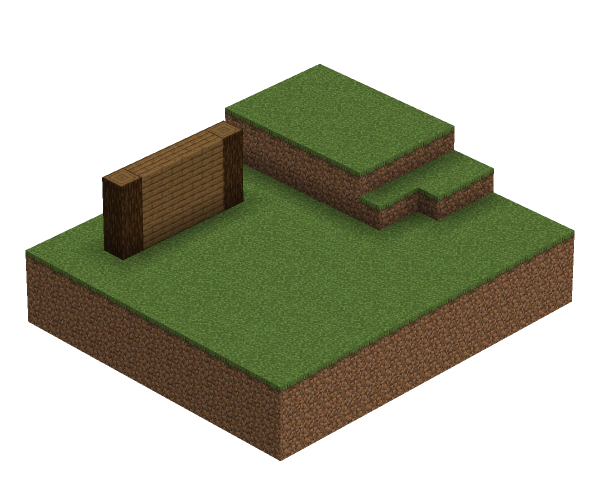
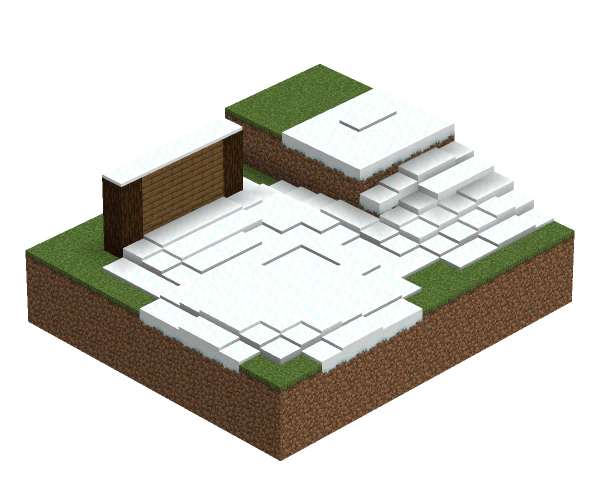
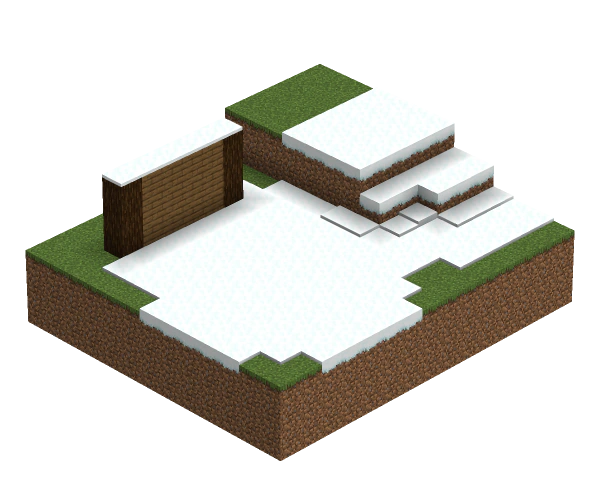
Limits
- Only columns whose top is at most 5 blocks above or below the clicked block.
Good to know
- Snow lands on the top block of each column, roofs and tree tops too. That block must be solid, with air or snow above it.
- Placing never removes snow. Depth counts from the ground, so a second drift click on the same spot adds nothing.